GroundWork Pro
A downloadable tool for Windows
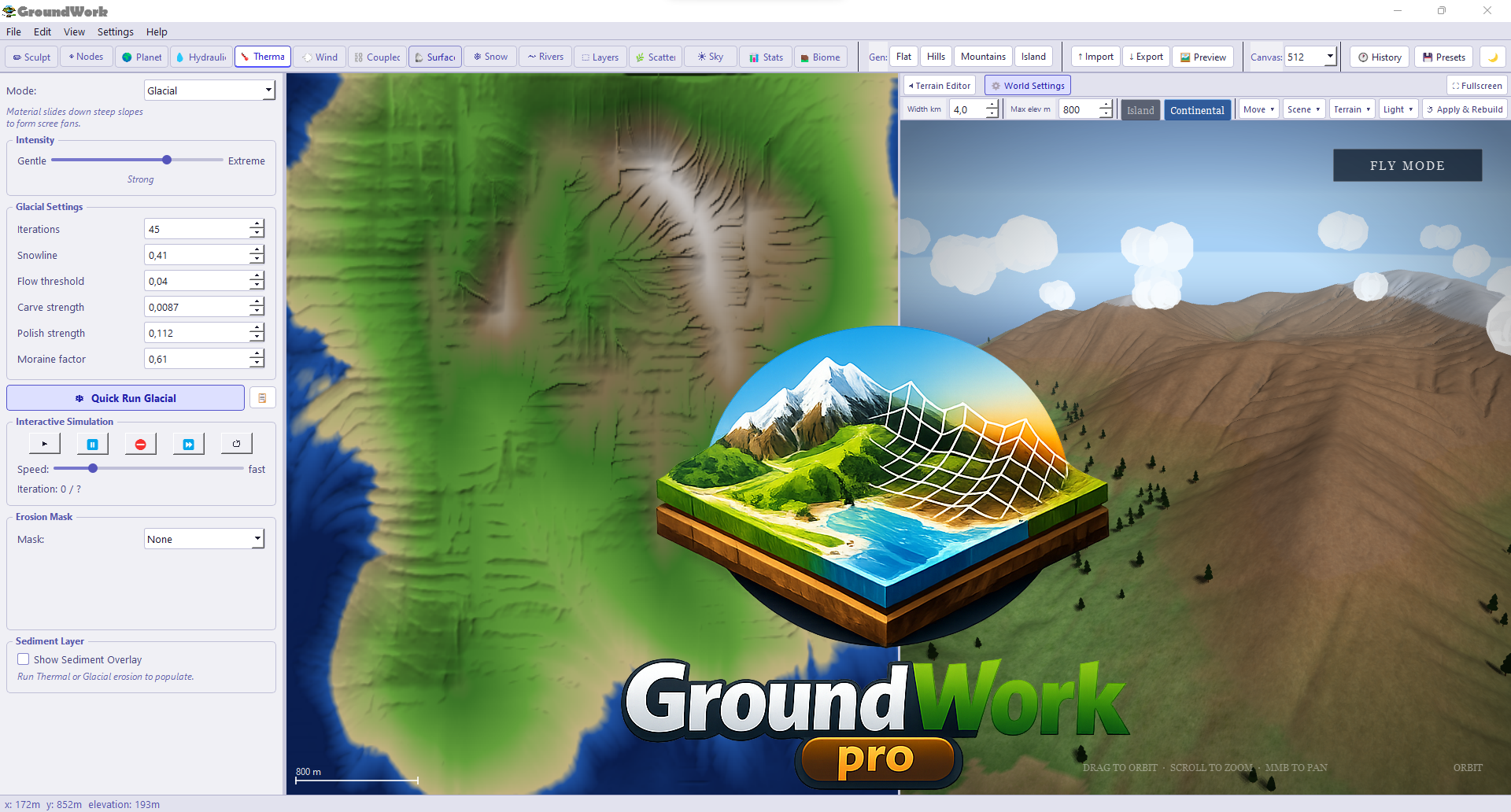
GroundWork is a standalone terrain editor for indie game developers.
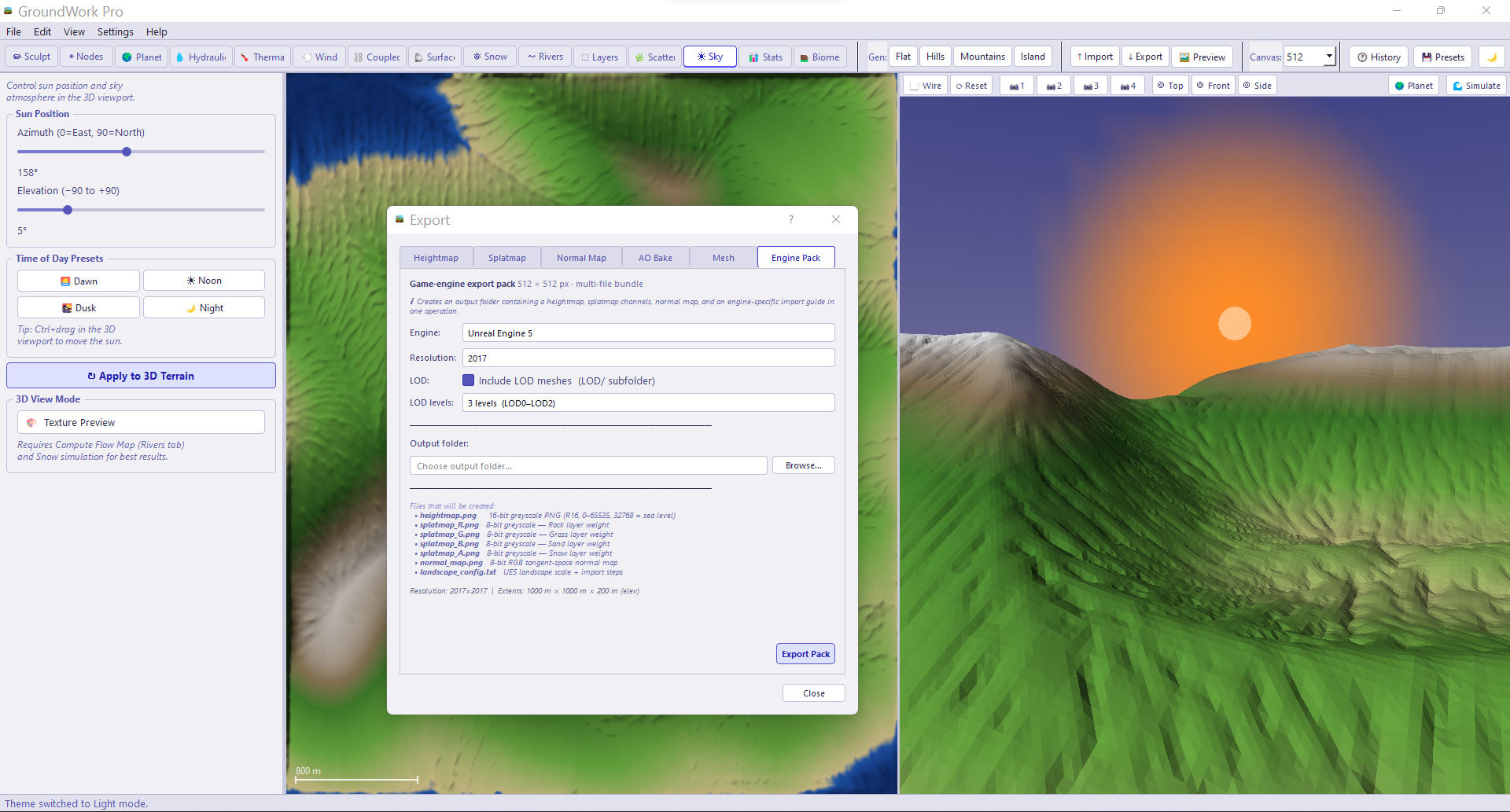
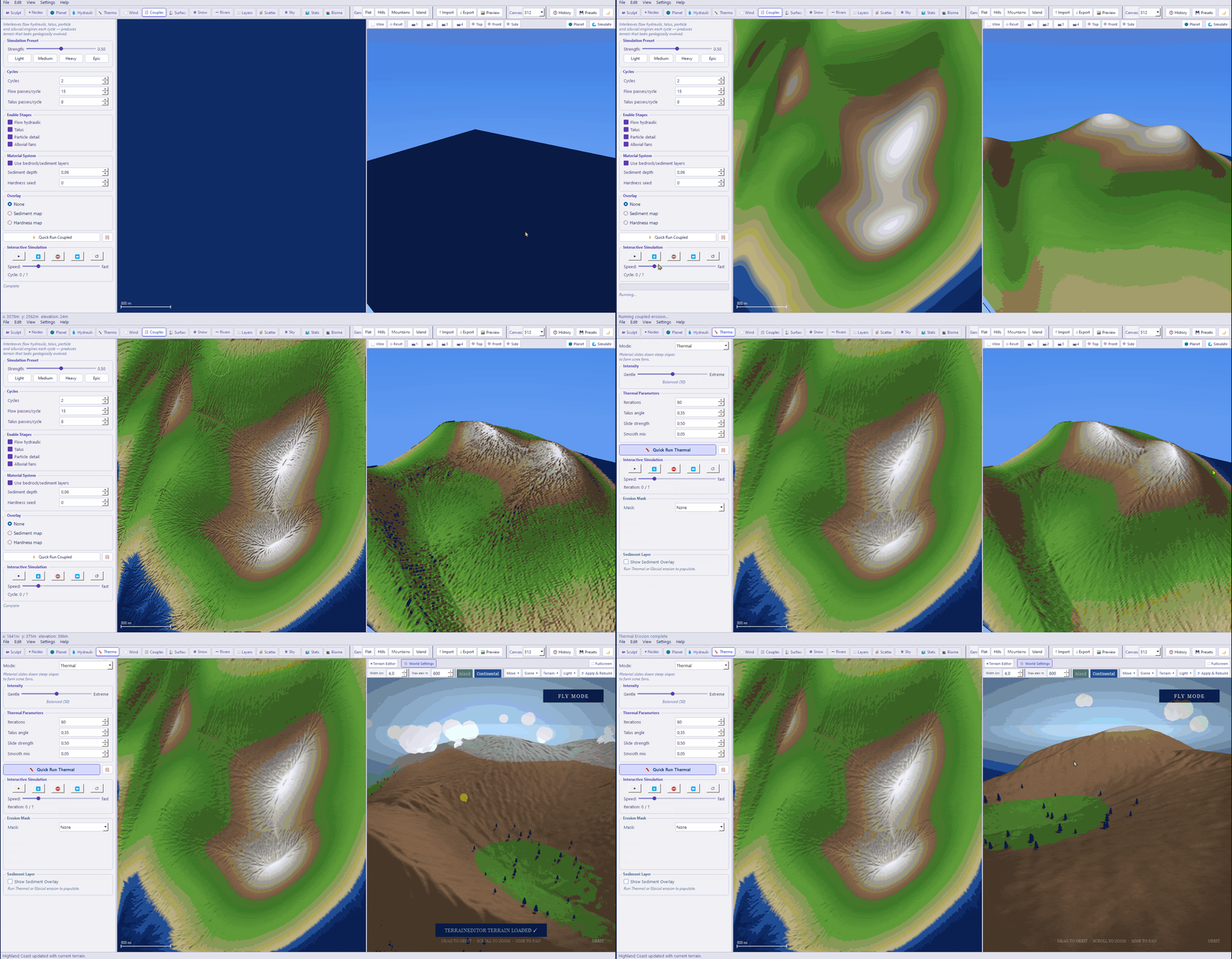
Generate, sculpt and erode realistic heightmaps — then export directly to Unreal Engine, Unity or Godot. Free version — use up to 512×512 with PNG export, no time limit.
👉 Buy GroundWork Pro ($40 one-time): https://payhip.com/b/57WwN
Pro unlocks everything: full resolution, all erosion types, all export formats, engine packs for Unreal, Unity and Godot. No subscription ever.
Download
Install instructions
GROUNDWORK — DOWNLOAD & INSTALL GUIDE
STEP 1 — DOWNLOAD
On the GroundWork page on itch.io, click the "Download" button.
Save the file "GroundWork_v1.0_Windows.zip" anywhere on your PC such as your Desktop or Downloads folder.
STEP 2 — EXTRACT ZIP
Right-click the downloaded zip file and select:
"Extract All..."
Choose a destination folder. We recommend:
C:\Program Files\GroundWork\
or
C:\Users\YourName\GroundWork\
Click Extract. A folder called "GroundWork" will appear.
NOTE: Do NOT run GroundWork.exe from inside the zip file. You must extract it first or it will not work.
STEP 3 — RUN
Open the extracted GroundWork folder and double-click:
GroundWork.exe
The first time you run it, Windows may show a blue popup saying:
"Windows protected your PC"
Click "More info" then click "Run anyway".
This is normal for software downloaded outside the Microsoft Store.
STEP 4 — FREE VS PRO
GroundWork opens in Free Mode by default. You can use it immediately with no account or login required.
Free Mode includes:
• Full sculpting and painting tools
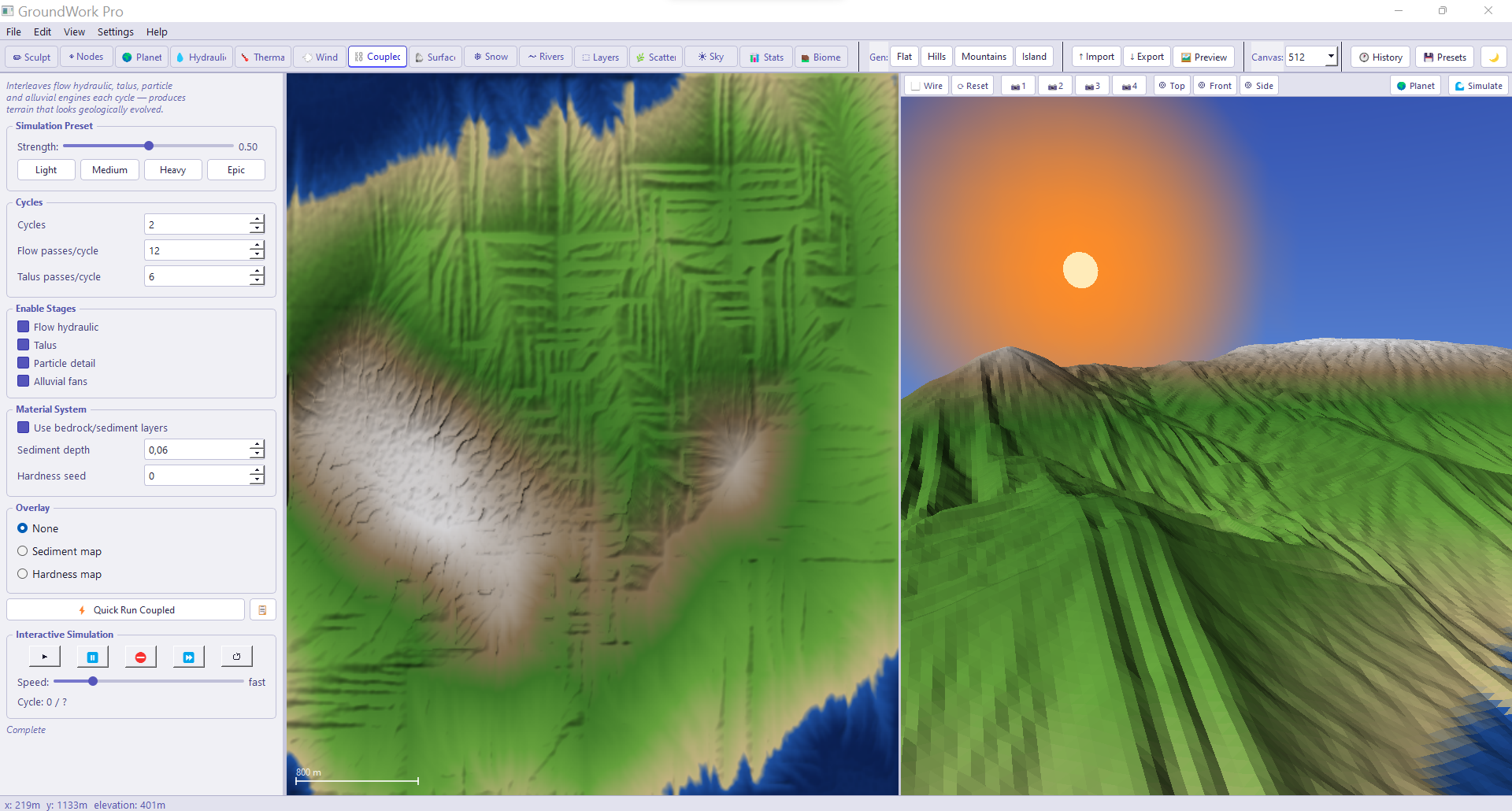
• Hydraulic, Thermal and Wind erosion
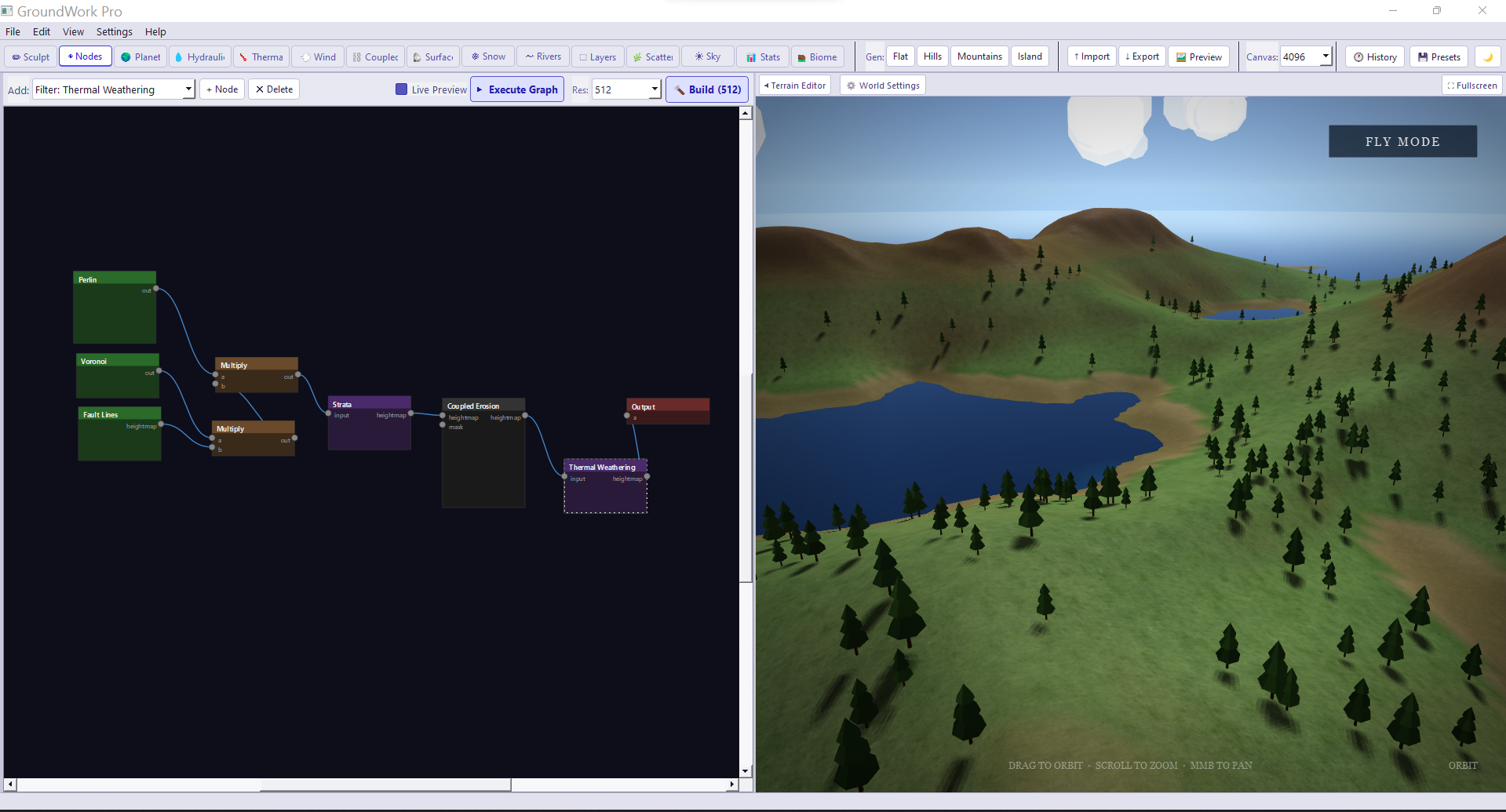
• Node-based procedural generation
• Real-time 3D viewport
• PNG 8-bit heightmap export
• Canvas resolution up to 512x512
To unlock Pro features, see the file "HOW TO ACTIVATE.txt" included in this download.
SYSTEM REQUIREMENTS:
OS: Windows 10 or 11 (64-bit)
RAM: 8 GB minimum, 16 GB recommended
GPU: Any GPU with OpenGL 3.3 support
Storage: 500 MB free space
Display: 1280x780 minimum resolution
No Python installation required.
No internet connection required to use the app.
Internet is only needed for one-time Pro license activation.
TROUBLESHOOTING
App does not open:
→ Make sure you extracted the zip before running. GroundWork.exe must stay in the same folder as all the other files next to it. Do not move it on its own.
"Windows protected your PC" popup:
→ Click "More info" then "Run anyway". This is a standard Windows warning for software from outside the Microsoft Store.
Black or blank 3D viewport:
→ Update your graphics card drivers from your GPU manufacturer's website (NVIDIA, AMD or Intel).
App crashes on startup:
→ Make sure your Windows is up to date.
Try right-clicking GroundWork.exe and selecting "Run as administrator".
SUPPORT
For help, visit the GroundWork page on itch.io and leave a comment, or contact us via your Payhip purchase page.
Development log
- GroundWork Procedural terrain generator99 days ago
Leave a comment
Log in with itch.io to leave a comment.